How we make images searchable for internal AI
Published:
Give me the TL;DR of this article with:
 ChatGPT
 Claude
 Perplexity
 Google AI
 Grok
Grok
When a team dumps thousands of site photos, diagrams, and scanned documents into a cloud drive, they expect their new enterprise AI to find them instantly. They type, "Show me the foundation photos from the London site visit," and the AI returns nothing.
Standard AI tools like Copilot or ChatGPT Enterprise cannot retrieve images from a SharePoint folder just because you ask them to. They don't index the visual content, and they usually ignore the metadata. If you are relying on off-the-shelf tools to find your visual data, you are going to be disappointed.
Key takeaway: Off-the-shelf AI tools like Copilot can't retrieve your SharePoint images. You have to control the indexing process yourself.
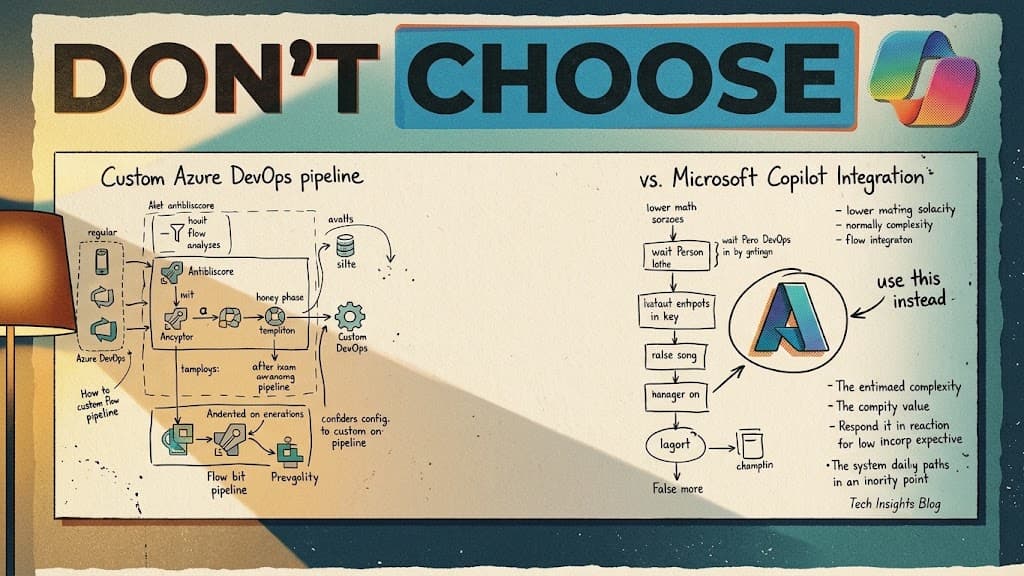
To solve this, we don't rely on out-of-the-box enterprise search. We build custom internal chatbots where we control the indexing process. We focus on making non-searchable data directly accessible by embedding the image data into a vector database. If you want to read up on how vector indexing actually works under the hood, Microsoft's Azure AI Search documentation is a good place to start.
There are two ways we handle this logic when building a custom system.
The pragmatic route: Filename embedding
This is the most straightforward approach and the one we use most often.
Instead of forcing an AI to guess what an image contains, we rely on descriptive filenames. If an engineer uploads a photo and names it site-visit-london-foundation.jpg, we capture that string of text during the processing phase.
We take that filename, run it through an embedding model to vectorize it, and push it into the content field of the vector database. When a user asks the chatbot for London foundation photos, the system searches the vector database, matches the intent to the embedded filename, and retrieves the exact image.
It requires a bit of manual discipline - naming a file photo_1.jpg won't work - but it guarantees high precision because the human context is preserved. A human knows the specific project code. An AI does not.
The expensive route: AI vision processing
If a company has a massive backlog of poorly named images and no time to rename them, we add a vision processing step before the embedding phase.
When an image enters the pipeline, we pass it to a vision model with a strict prompt. We instruct the model to act as an image analyst and extract specific details:
- The type of image
- Key objects and visible text
- Search terms someone might use to find it
The model generates a rich text description of the image. We then embed that generated text and store it in the vector database.
We chose this approach for messy datasets, but it has a limitation. An AI vision model doesn't know your internal company jargon. It might identify a "concrete structure," but it won't know it's the "Project Alpha Retaining Wall." You are burning more tokens for a result that might still lack the necessary internal context.
Controlling the index
By controlling the indexing pipeline, the internal chatbot can pull specific images directly into the chat interface. The team no longer has to dig through nested folders to find visual proof of a site condition.
If you want to see the exact rules we use to format videos, PDFs, and technical drawings for vector search, you can download our Internal Chatbot Document Manual.
You can also watch the whiteboard breakdown of this logic here: https://youtu.be/wUWupEzL_1Y