Comparing Enterprise AI Search for SharePoint Files
Published:
Give me the TL;DR of this article with:
 ChatGPT
 Claude
 Perplexity
 Google AI
 Grok
Grok
Most data-heavy teams treat SharePoint as a dumping ground. Over the years, it fills up with scanned PDFs, massive Excel sheets, technical blueprints, and hours of recorded meeting videos. When someone needs to find a specific spec or a decision made in a video three months ago, the native search bar usually returns hundreds of irrelevant files.
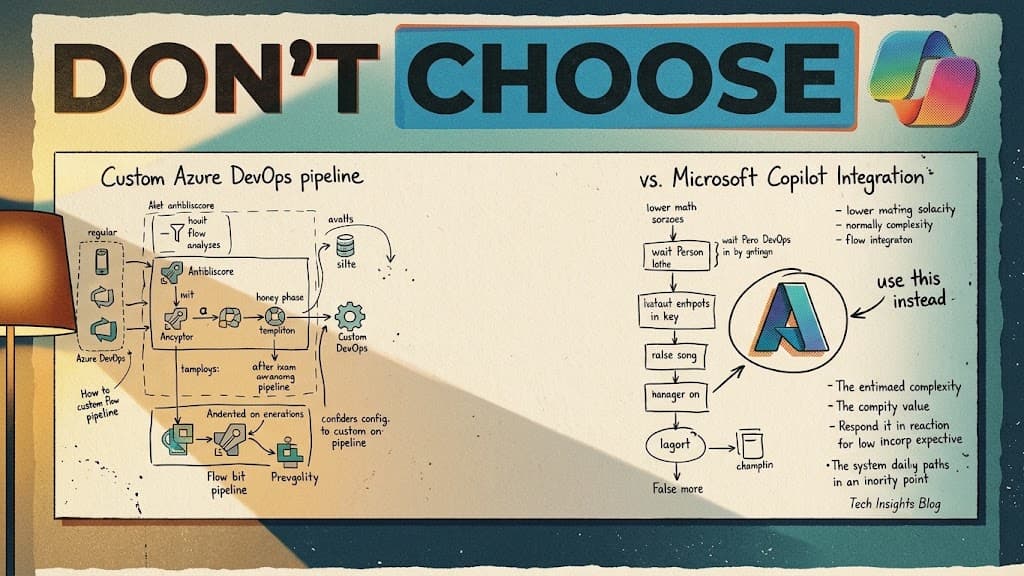
To solve this, organizations are buying licenses for off-the-shelf AI tools. The assumption is that plugging Copilot or ChatGPT Enterprise into the company drive will organize the chaos. We wanted to see if that was actually true.
Testing the major enterprise AI tools
Over the last few months, we ran a series of stress tests. We took the standard native SharePoint search and put it up against Copilot, ChatGPT Enterprise, Claude, Grok, and a custom internal chatbot we built on Azure.
We didn't test their ability to write emails. We focused entirely on retrieval logic. We needed to know how these systems handle the actual files a 10-person technical team deals with daily.
Here is what we scored them on:
- Extracting text from messy, unformatted Excel rows
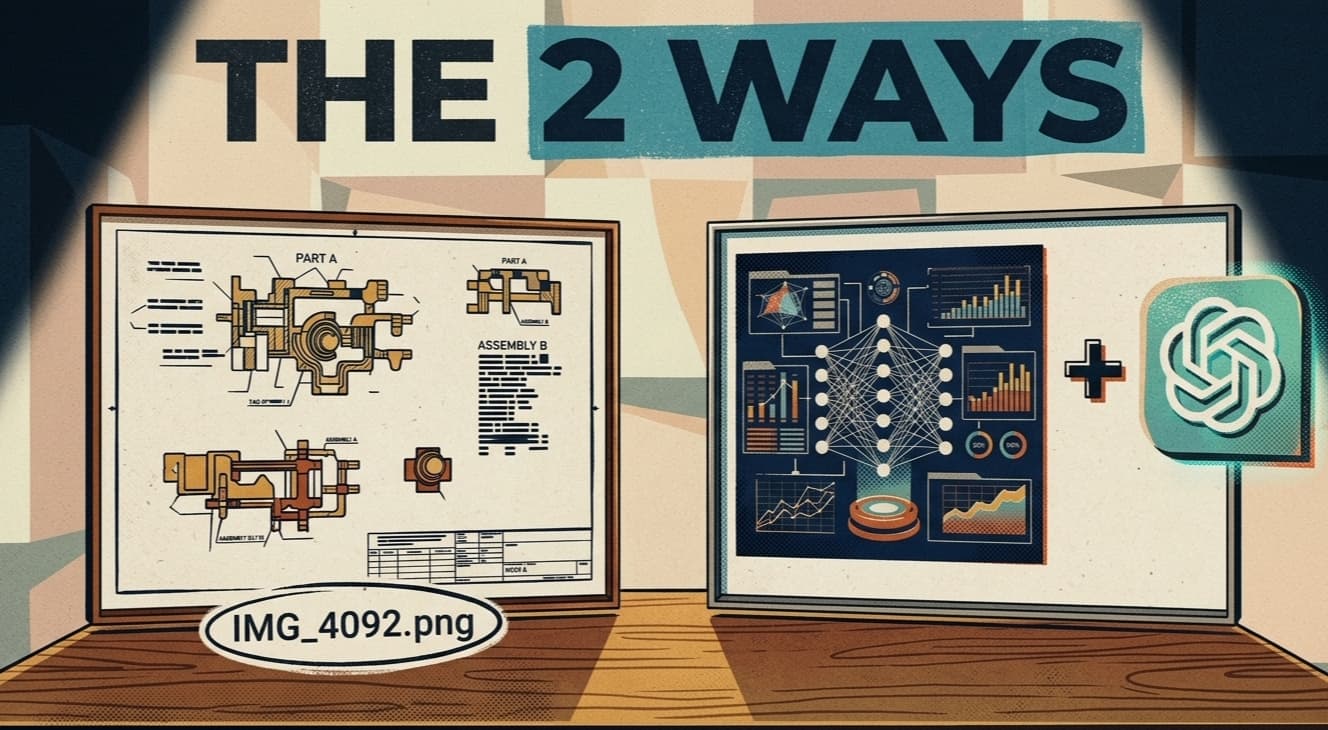
- Reading scanned technical drawings and blueprints
- Finding specific visual moments and returning exact timestamps in video files
- Navigating slide decks to find a single bullet point
- Setup difficulty and data privacy
You can watch the full comparison matrix and the final verdict here: Enterprise AI Search Comparison
The precision gap in standard AI
When we ran the tests, the off-the-shelf models performed well on text generation, but they struggled with the specific architecture of company drives. Native SharePoint search has hard limits on parsing large files, often stopping after a certain character count. This means if the data you need is on page 400 of a PDF, the native search might not even know it exists.
The custom Azure chatbot we built took a different approach. We didn't need it to be conversational. We needed it to be a retrieval engine. We built the logic to prioritize precision over a chat experience. By hosting it internally on Azure, we bypassed the standard indexing limits and allowed the system to read messy Excel rows and scan technical drawings directly.
Key Takeaway: Off-the-shelf AI tools struggle with unstructured company data like blueprints and video timestamps. A custom-built architecture prioritizes retrieval accuracy and data privacy over conversational abilities.
Handling video and visual data
One of the hardest tests was video retrieval. Teams record hours of meetings, but nobody goes back to watch them because finding a specific 33-second discussion is too tedious. The custom system was built to scan video transcripts and visual cues, returning the exact timestamp of the conversation. You dont have to guess where the decision was made.
The billing reality for a 10-person team
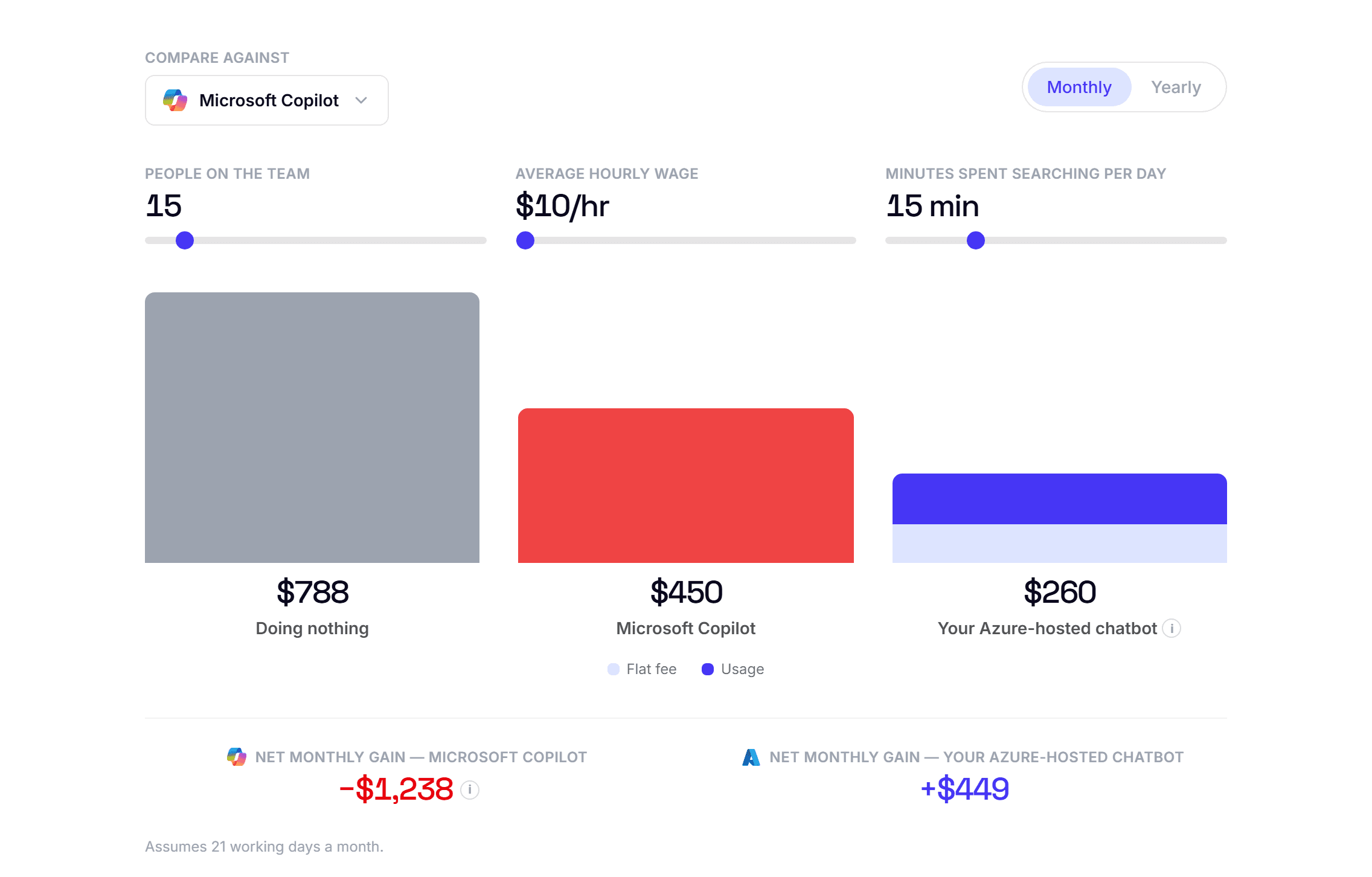
The final category we scored was cost. Most enterprise AI tools use a per-user seat billing model. If you have a 10-person team, you are paying a fixed monthly fee for every single person, regardless of how often they actually use the search function.
We chose a usage-based pricing model for the custom Azure build. The system only incurs costs when a query is actually run. For a standard data-heavy team, this approach is often significantly cheaper than buying 10 individual Copilot licenses, while providing better data privacy since everything stays within the company's own tenant.
The system is now live. It handles the daily search queries for the team, and they no longer have to deal with digging through unindexed folders to find a single file.